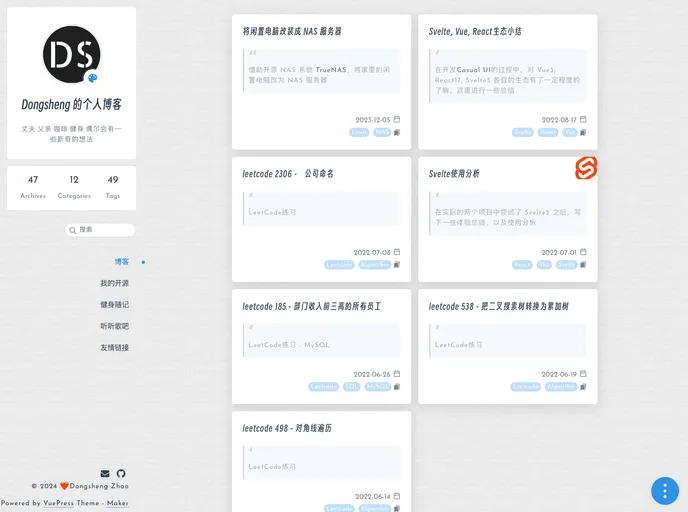
My blog site. Build with vuepress(v1) and theme marker.
Overview
The blog site mentioned in this content is a static site using Vuepress v1 and is inspired by the community theme vuepress-theme-marker. The site allows users to create and manage blog posts.
Features
- Netlify Status: The site displays the current status of Netlify, providing information on the website’s deployment and server performance.
- Node16: The site is built using Node.js v16, which ensures the compatibility and stability of the website.
- Online Demo: Users can access an online demo version of the blog site to explore its features and functionalities.
- Easy Installation: The installation process is straightforward and can be completed without any hassle.
- DevBuild: The site offers a convenient way to test and build the blog locally for development purposes.
Installation
To install the blog site theme, follow these steps:
- Clone the repository to your local machine.
- Open the terminal and navigate to the cloned repository directory.
- Run the following command to install the necessary dependencies:
- After the installation is complete, you can start the development server using the command:
- The blog site will now be accessible at
http://localhost:8080.
Summary
The blog site described in the content is a static site built using Vuepress v1 and inspired by the vuepress-theme-marker community theme. It offers features such as Netlify status, Node16 compatibility, an online demo, and easy installation. Users can install the theme by cloning the repository, installing the dependencies, and starting the development server.