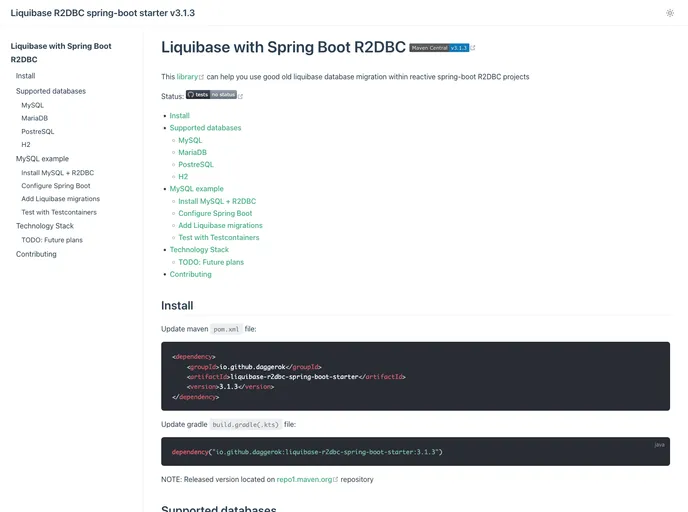
This repository demonstrates how 2 implement Liquibase R2DBC Spring Boot starter. Stack: Liquibase R2DBC Spring Boot starter with next technology stack: Liquibase, R2DBC, Spring Boot, Kotlin, Junit Jupiter 5, MySQL, MariaDB, PostgreSQL, MS SQL Server, H2, r2dbc-pool, r2dbc-proxy, Test-containers,...
The Liquibase R2DBC Spring Boot Starter is a powerful tool designed for developers who are working on reactive projects that require seamless integration with various databases like MySQL, PostgreSQL, MariaDB, and MS SQL Server. This starter simplifies the management of database migrations by transforming R2DBC URLs into a format compatible with Liquibase, allowing for automated migration updates during the application runtime. It’s particularly well-suited for projects that leverage Java 17 and above in conjunction with Spring Boot 3.x.
This starter aims to provide a smoother setup process for managing database changes, enabling developers to focus more on their application’s core functionality while ensuring that the database schema is consistently maintained. With its support for multiple databases and ease of use, it can be an invaluable addition to any reactive project using R2DBC.
Multi-Database Support: Compatible with MySQL, PostgreSQL, MariaDB, MS SQL Server, and H2 databases, making it versatile for various development environments.
Reactive Integration: Designed specifically for reactive applications, integrating seamlessly with R2DBC to handle asynchronous database operations.
Automatic Migrations: Applies Liquibase migrations automatically within the application runner bean, reducing manual intervention during deployment.
Spring Boot Compatibility: Works effortlessly with Spring Boot 3.x, ensuring that developers can leverage the latest features of the Spring framework.
Java Version Support: Supports Java versions 17, 18, 19, and 20, allowing developers to use the most recent Java features.
Maven Central Availability: Easily included in your project through Maven Central, simplifying dependency management.
Documentation and Guides: Comprehensive documentation available for setup, along with a developer guide to assist contributors and users alike.
Testing Support: Includes testing capabilities using JUnit Jupiter and Testcontainers, ensuring that your migrations can be tested thoroughly.

