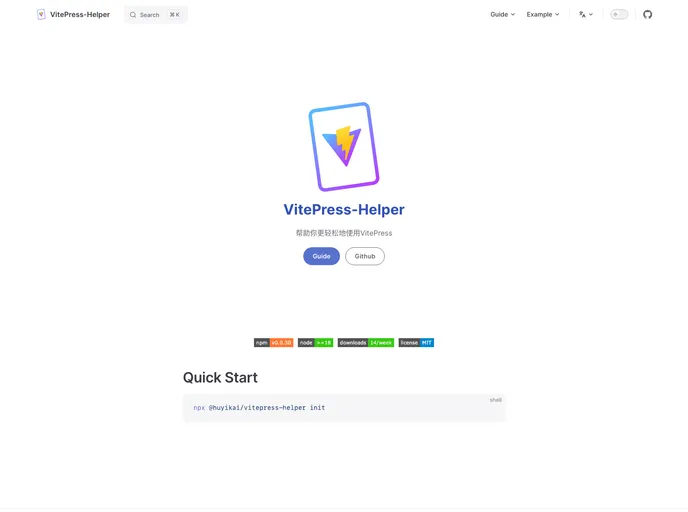
Vitepress Helper screenshot

Vitepress Helper

Author Avatar Theme by Huyikai
Updated: 8 Mar 2024
30 Stars

enhance vitepress experience

Categories

Overview

VitePress-Helper is an optimization of the VitePress framework, designed to enhance the user experience. It offers various features such as automatic generation of navigation bars and sidebars based on the file directory, integration with a local CMS for easier content management, customizable home page, and internationalization compatibility. The long-term plan includes adding unit tests, optimizing UI and performance, providing detailed documentation, and exploring new features and inspirations.

Features

  • Nav: Automatic generation of navigation bar based on the file directory.
  • Sidebar: Automatic generation of sidebar based on the file directory.
  • Cli: Guide to complete the initialization operation.
  • Integration CMS: Run a local CMS to make content management easier.
  • Home: Customizable home page.
  • ToDoInternationalization compatibility: Modify the methods for generating sidebar and navigation bar to adapt to internationalization settings.
  • CMS: Optimize the experience of using Markdown editor, move files and directories, drag and drop, import local files and batch processing, import linked content, version control, and management of static resources (images).
  • Long-term Plan: Add unit tests to ensure code quality, optimize UI, usage logic, and performance, provide bilingual documentation, more detailed usage instructions, and appropriate usage examples, and stay updated with VitePress for synchronized functions and experience.

Installation

To use VitePress-Helper, you can follow one of the two usage methods:

  1. Using the scaffolding initialization (recommended):
  • Run the CLI command npm init @vitepress my-docs to create a new VitePress project.
  • Change directory to my-docs using cd my-docs command.
  • Install VitePress-Helper dependency by running npm install @huyikai/vitepress-helper.
  • Modify the configuration and theme manually.
  1. Add the dependency to an existing VitePress project:
  • Create a directory named .vitepress/theme.
  • Inside the theme directory, create home.vue and index.js files.
  • Install VitePress-Helper by running npm install @huyikai/vitepress-helper.
  • Manually modify the configuration and theme files.

Summary

VitePress-Helper is a tool built on top of VitePress that enhances the user experience. It offers features such as automatic generation of navigation bars and sidebars, integration with a local CMS for content management, customizable home page, and internationalization compatibility. The long-term plan includes adding unit tests, optimizing UI and performance, providing detailed documentation, and exploring new features. To install VitePress-Helper, you can either use the scaffolding initialization or add the dependency to an existing project.
