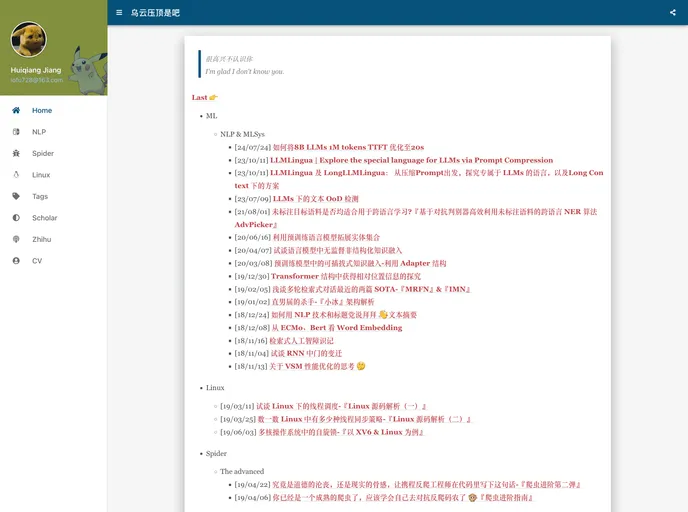
:tent: blog by Vuepress
The content is a product analysis of a GitHub theme called “vuepress-theme-indigo”. The theme is a framework for creating documentation websites. It is designed to be used with VuePress, which is a static site generator based on Vue.js. The analysis will cover the features of the theme, installation instructions, and provide a summary of the article.
To install the “vuepress-theme-indigo” theme, follow these steps:
npm install -g vuepress
mkdir my-vuepress-project
cd my-vuepress-project
npm init -y
npm install vuepress-theme-indigo
config.js, in the root of your project:// File: config.js
module.exports = {
title: 'My VuePress Site',
theme: 'vuepress-theme-indigo'
}
README.md, in the root of your project:---
title: Home
---
# Welcome to my VuePress site
Lorem ipsum dolor sit amet, consectetur adipiscing elit. ...
vuepress dev
http://localhost:8080 to see your VuePress site with the “vuepress-theme-indigo” theme applied.The “vuepress-theme-indigo” is a GitHub theme for creating documentation websites using VuePress. It has several features, including support for GitHub tags, displaying code size in bytes, and multiple new features like MathJax support, generating BibTeX, multi-level tags, and redirect links in the 404 page. The installation process involves setting up a VuePress project, installing the theme, creating a configuration file and markdown files, and starting the development server.

