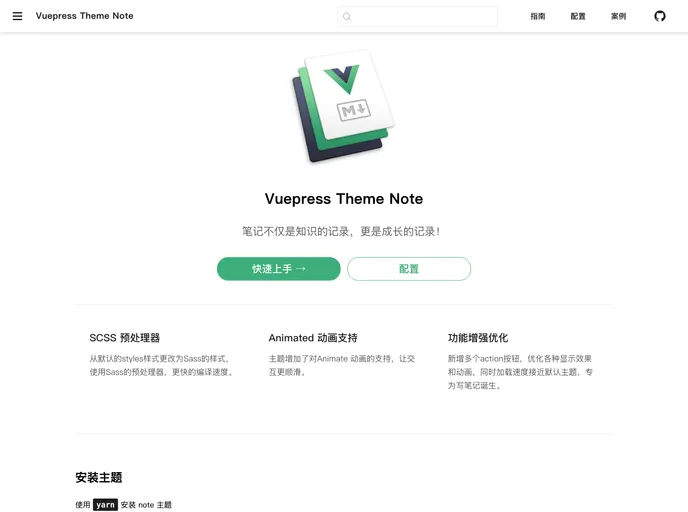
A Vuepress Theme For Notes
The vuepress-theme-note is a theme for Vuepress that is specifically designed for creating notes. It provides a simple and clean interface for organizing and presenting information.
To install the vuepress-theme-note, you can use either npm or yarn. Here are the steps to install the theme:
npm install vuepress-theme-note
Alternatively, you can use yarn:
yarn add vuepress-theme-note
After installing the theme, you need to configure it in the Vuepress config file. Here’s how you can do it:
config.js file located in your docs/.vuepress/ directory.config section:module.exports = {
theme: 'note'
}
To preview your notes with the vuepress-theme-note, follow these steps:
vuepress dev docs
http://localhost:8080 in your browser.The vuepress-theme-note is a customizable and easy-to-use theme for Vuepress that is specifically designed for creating notes. With features like Markdown support and automatic table of contents generation, it provides a convenient solution for organizing and presenting information.

