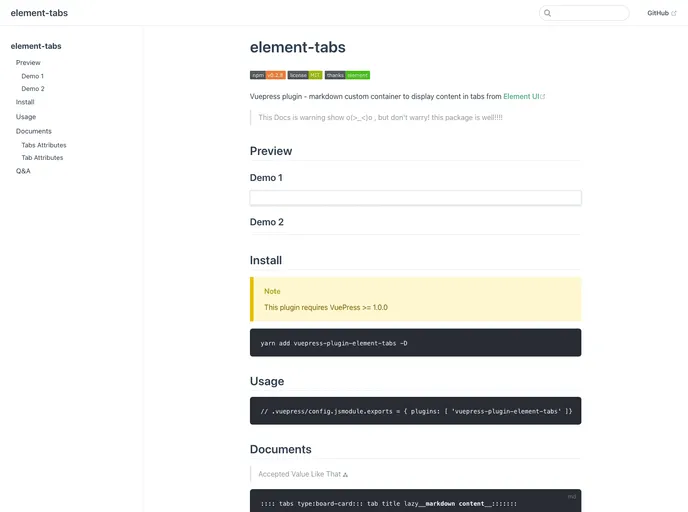
Vuepress plugin - Tabs Container for Vuepress
The Vuepress plugin vuepress-plugin-element-tabs is a versatile tool for enhancing content presentation in VuePress documentation. It allows users to neatly organize information into tabbed sections, making browsing through multiple subjects sleek and user-friendly. With the flexibility of utilizing Element UI’s tab styles, this plugin offers both aesthetic appeal and functional efficiency for developers and content creators.
Whether you’re building a robust documentation site or simply want to present complex information more understandably, this plugin can simplify how users interact with your content. It adds a layer of organization that can significantly improve the user experience.
Easy Installation: With Yarn, you can quickly add this plugin to your VuePress project, making integration seamless.
Custom Tab Types: Choose between different tab styles such as card or border-card to match your project’s aesthetic.
Flexible Tab Positioning: Position your tabs at the top, right, bottom, or left of your content area to create intuitive layouts.
Auto-Stretch Feature: Enable the stretch option for tabs to automatically fit their container’s width, ensuring a polished look without tedious styling adjustments.
Lazy Rendering: Utilize the lazy attribute to enhance performance by rendering tabs only when they become active, which is particularly useful for content-heavy applications.
Customizable Labels: Easily set the label for each tab to provide clear and immediate context to users, optimizing navigation.
With these features, the vuepress-plugin-element-tabs plugin can transform how content is displayed and interacted with, catering to both developers and end-users alike.

