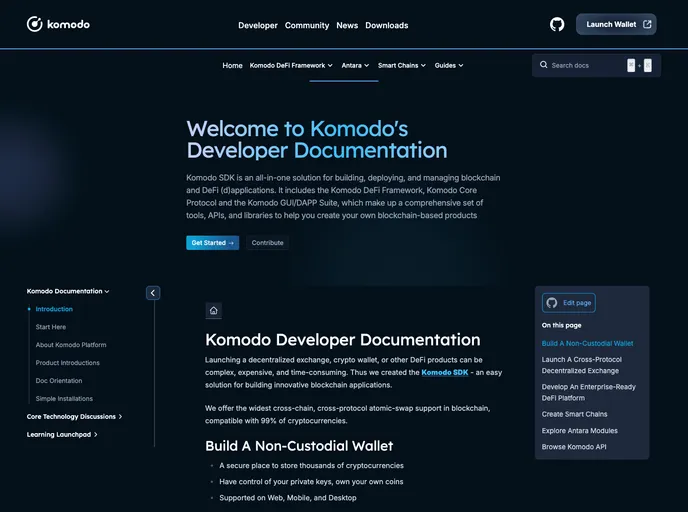
Overview
Komodo documentation is engineered with modern development practices, utilizing Vuepress to provide a streamlined experience for developers. With flexibility in setup, users can choose between standard installation or leveraging Docker for an isolated environment. The setup is thoughtfully crafted, making it accessible for both novice and experienced developers looking to enhance their documentation processes.
In this review, I’ll explore some of the standout features of the Komodo documentation environment, highlighting what makes it appealing for those looking to create and manage documentation efficiently.
Features
- Dual Setup Options: Choose between a direct installation with Node.js and Yarn or easily use Docker for a clean, isolated environment.
- Live Editing: Changes are instantly viewable with a local server running at http://localhost:8080, allowing for quick iterations on documentation content.
- Simple Build Process: A straightforward build command generates HTML files, ensuring that developers can quickly deploy the latest documentation versions.
- Docker Integration: Use Docker to create a development environment that avoids system conflicts, making it easier to manage dependencies without interference from other projects.
- Easy Deployment: Deploy documentation to GitHub Pages with minimal setup, integrating seamlessly with your existing Git configurations.
- Terminal Access: Easily access the Docker container environment for development tasks, streamlining the documentation workflow.
- Responsive Performance: The initial setup may take some time with Docker, but subsequent uses are quick, promoting efficient development cycles.