The VuePress 2 Default Theme with a little more POWAH
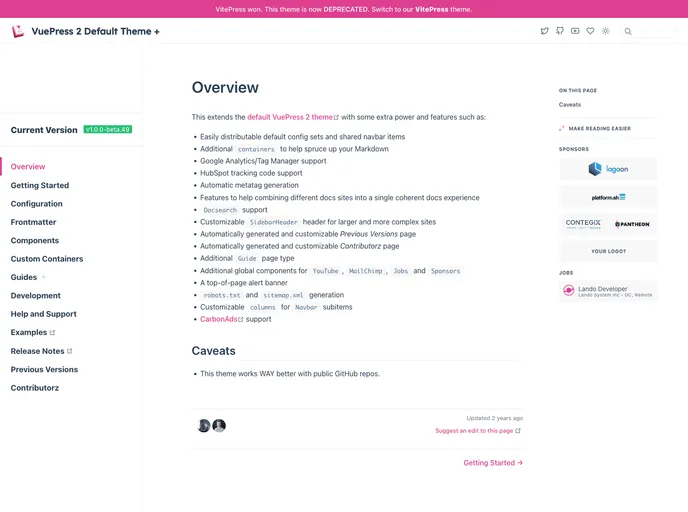
VuePress 2 Default Theme + is an extension of the default VuePress 2 theme that offers additional features and power to enhance the documentation experience. It includes various configurable options, custom components, support for tracking codes and analytics, and features to combine multiple documentation sites into a cohesive experience.
(Note: Contribution and versioning information autogeneration currently only works with GitHub, but manual population is possible for other VCS.)
To install the VuePress 2 Default Theme +, follow these steps:
Step 1: Open your terminal and navigate to your VuePress project directory.
Step 2: Install the VuePress 2 Default Theme + package using npm or yarn with the following command:
npm install vuepress-theme-default-plus
config.js file and set the theme to vuepress-theme-default-plus. Example:module.exports = {
// Other configurations
theme: 'vuepress-theme-default-plus'
}
Step 4: Customize the theme by adding additional configuration options or overriding default settings as needed.
Step 5: Run the VuePress development server to see the theme in action:
npm run dev
npm run build
VuePress 2 Default Theme + is an extension of the default VuePress 2 theme that enriches the documentation experience with additional features and customization options. It provides easy configuration, support for tracking codes and analytics, customizable layouts, and tools to combine multiple documentation sites. The theme also offers automatic generation of metatags, previous versions page, contributors page, and includes additional global components for YouTube and MailChimp integration. With its robust features and flexibility, VuePress 2 Default Theme + enhances the overall documentation workflow.

