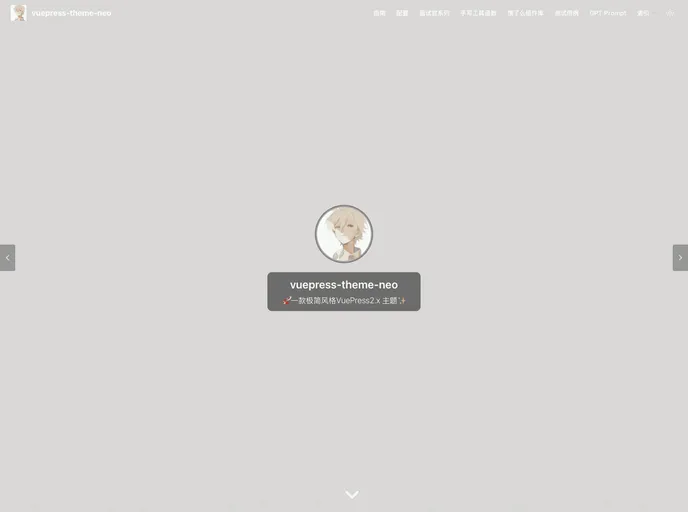
Overview:
This article provides an introduction to the features and installation process of a theme called VuePress V2. It mentions that the theme is based on VuePress@v2 and is currently in its beta version. The author also highlights that the theme relies on VuePress2, Vite2/Webpack5, and Vue3 to provide powerful functionality.
Features:
- VuePress@v2: The theme is based on VuePress@v2, which ensures that it integrates the latest features and improvements of the VuePress framework.
- Vite2/Webpack5: By utilizing Vite2 or Webpack5, the theme offers enhanced performance and faster cold start times for the DevServer.
- Vue3 Composition API: All components in the theme are rewritten using Vue3’s Composition API, providing developers with an improved development experience.
- Sass Migration: The theme has migrated all styles to Sass, making it easier to manage and customize the styling of the theme.
- Improved Performance: V2 boasts better performance metrics including reduced cold start time, decreased build memory usage, faster build time, smaller output size, and enhanced webpage performance.
Installation:
To install the VuePress V2 theme, follow these steps:
- Make sure you have VuePress@v2 installed. If not, run the following command:
npm install -g vuepress@next
- Create a new VuePress project:
npx create-vuepress my-project
- Navigate to the project directory:
- Install the VuePress V2 theme:
npm install vuepress-theme-v2
- Configure the theme in the
.vuepress/config.js file:
module.exports = {
  theme: 'vuepress-theme-v2',
}
- Start the development server and preview the theme:
Summary:
In summary, the VuePress V2 theme is a powerful and feature-rich theme for VuePress@v2. It provides improved performance, enhanced development experience with Vue3’s Composition API, and easier customization through Sass migration. The installation process is straightforward and involves installing VuePress@v2 and configuring the theme in the project’s configuration file.